
Big bills.
Smaller steps.
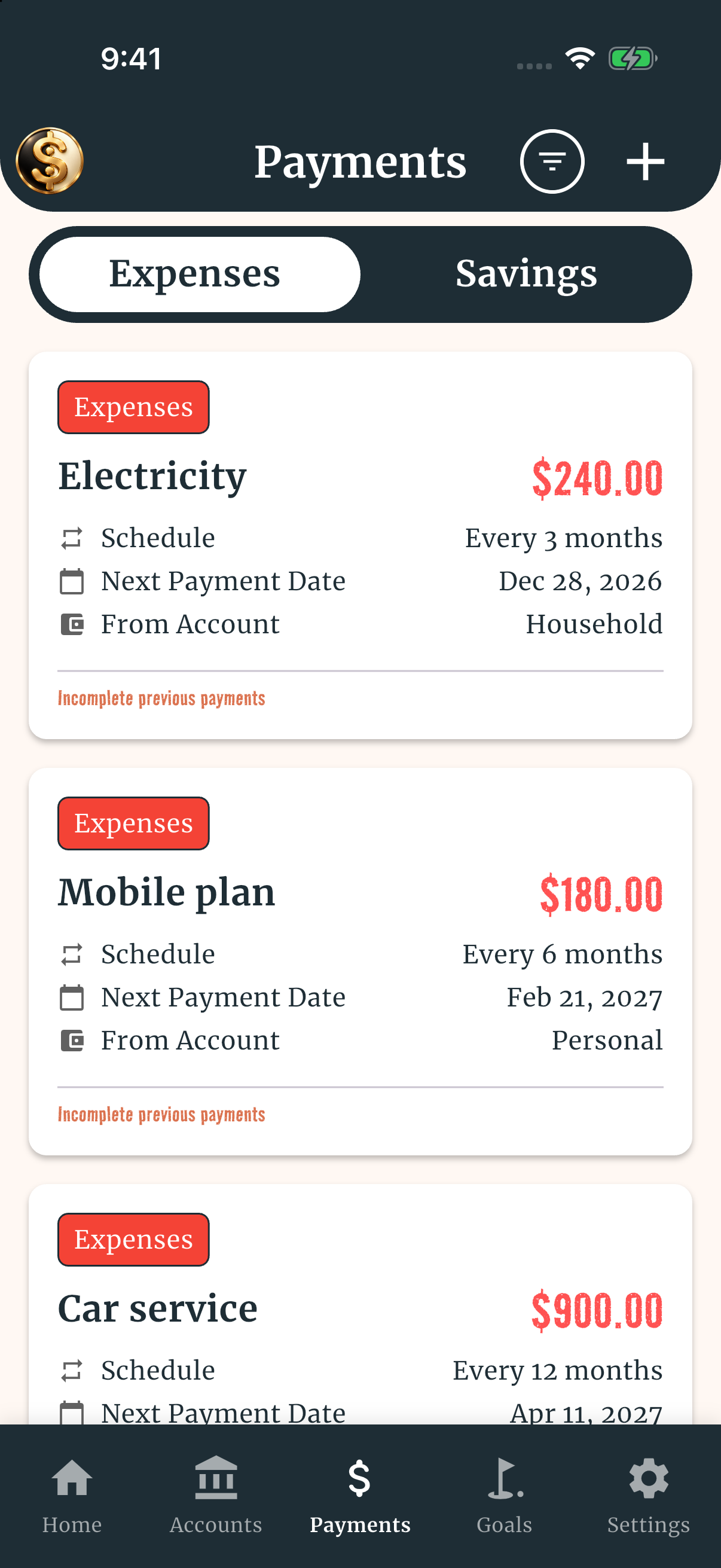
Enter a payment, its amount and due date. FinYang estimates what to keep aside as your paydays approach — including for that annual car insurance bill.
 FinYang
A clearer plan for every payday. Work out what to keep aside for upcoming bills and savings goals before you spend.
See how it worksComing soon for iOS and Android · Subscription required
Enter a payment, its amount and due date. FinYang estimates what to keep aside as your paydays approach — including for that annual car insurance bill.
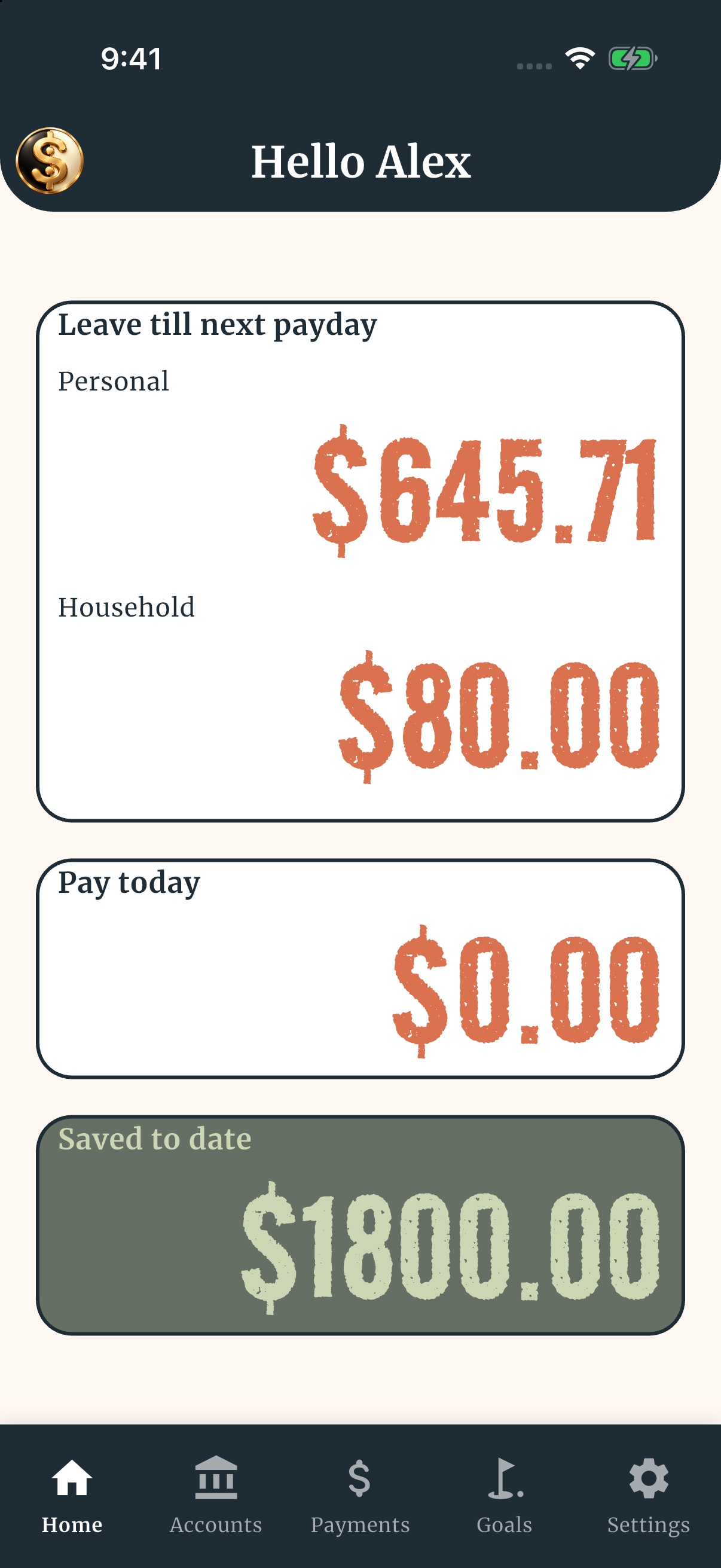
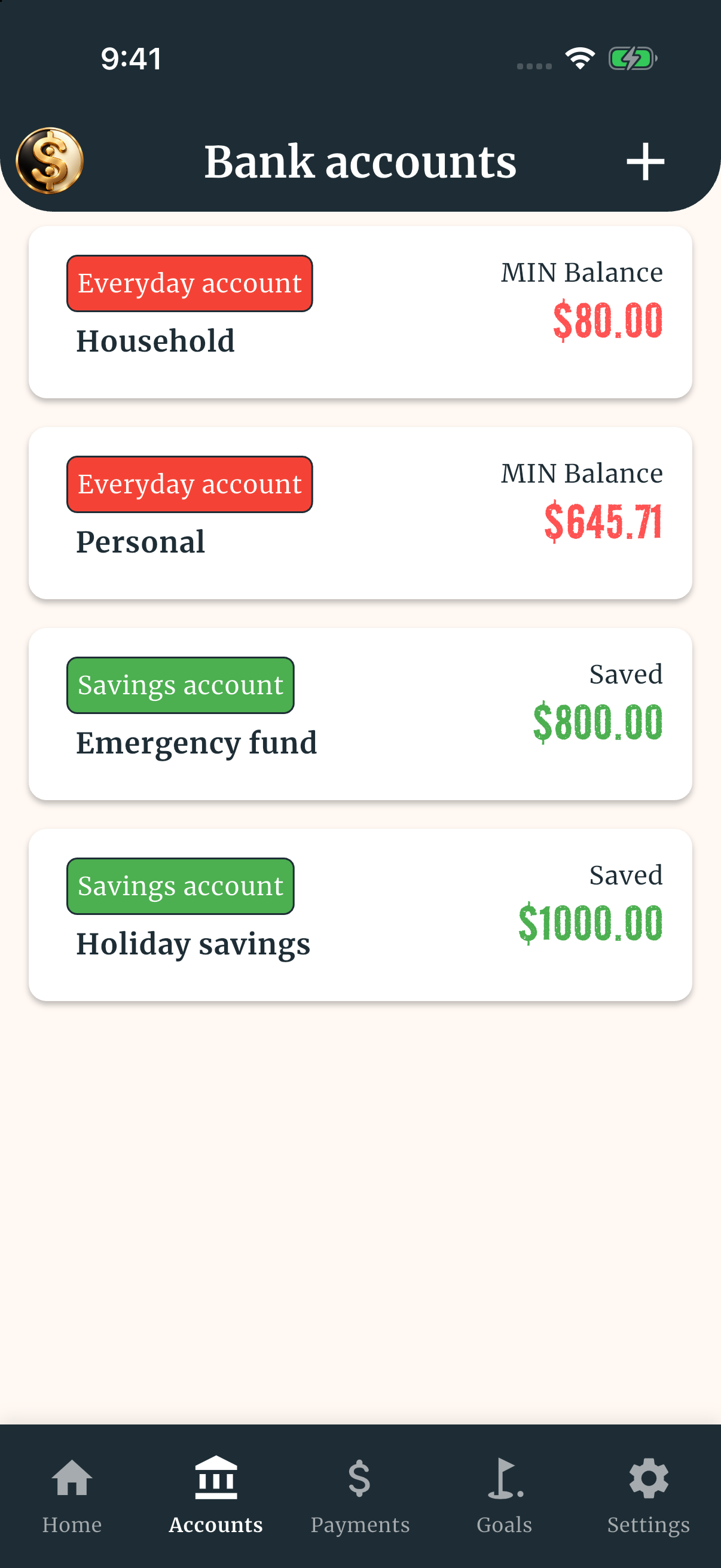
Keep personal and household plans apart. See what you need to leave in each account, then compare it with the balance in your own banking app.
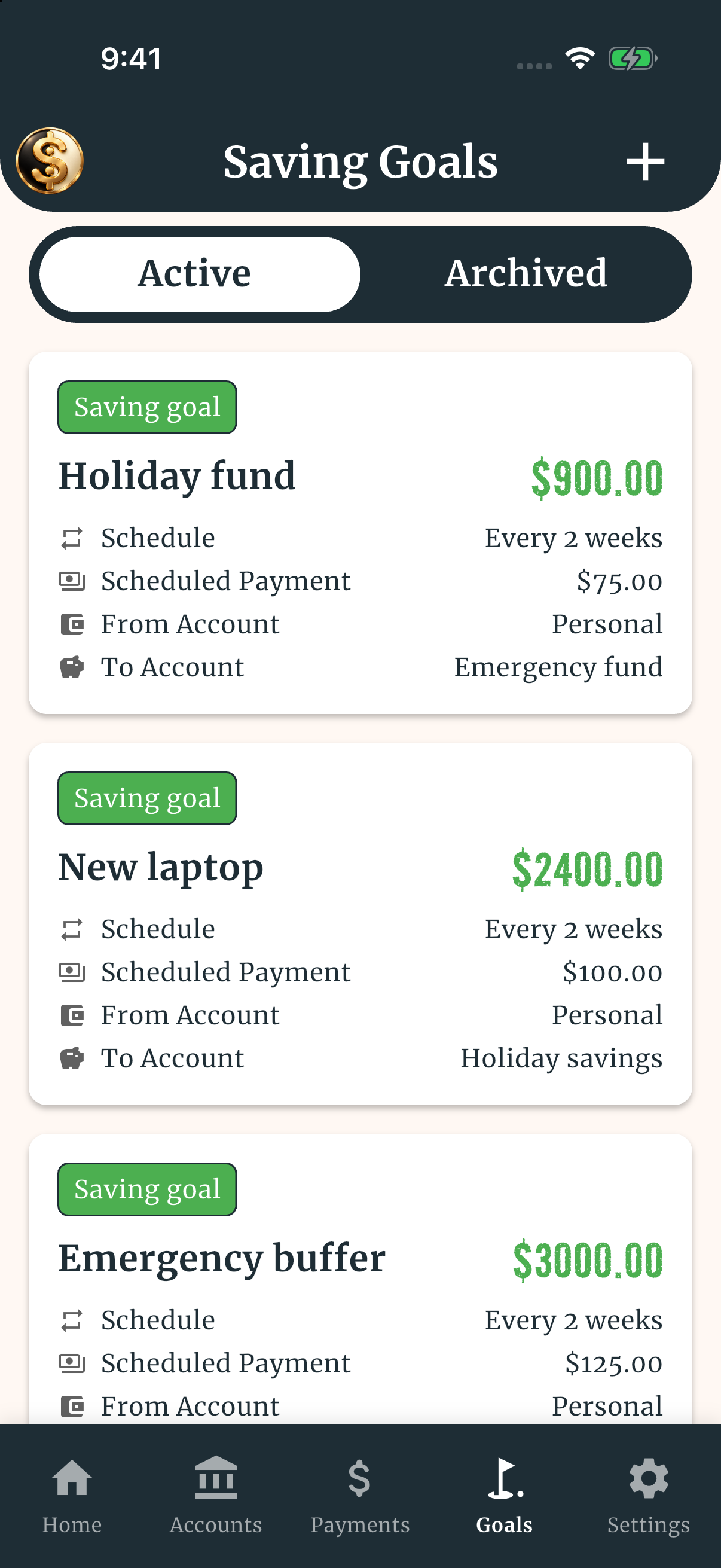
Choose a savings target and date. FinYang works out a contribution for each payday, so you can make room for a holiday, a buffer or something that matters to you.
No bank connection. No automatic purchase tracking. You enter the plans; your financial records stay in the local app database.
Sign-in and subscription verification use online services. Read how your data is handled.
Screens show fictional example data.
A little clarity before you spend
Imagine your bank balance is $400, but your FinYang plan says to leave $250. A $300 purchase would leave $100 — below your plan. You decide what to do next, with the upcoming payments in view.
Illustrative example. FinYang does not read your bank balance, move money or guarantee that a bill will be covered. Estimates depend on the dates, amounts and settings you enter.
Your pay frequency and next payday, the accounts you want to plan for, and your payments with their amounts and schedules. Add new commitments when they arise and keep the details up to date.
No. Account names are labels you enter. Check actual balances in your banking app and make payments or transfers yourself. Separate household plans do not create shared logins or synchronise between family members.
Your financial records are stored on your device. Apple or Google sign-in and subscription checks need online services; uninterrupted offline access is not promised. Exports and device backups may be stored wherever you choose.
A monthly subscription is required for budget features. The store shows your local price and any trial for which you are eligible. You can cancel renewal through your store account. Deleting FinYang does not cancel the subscription.